AfriqueUnie
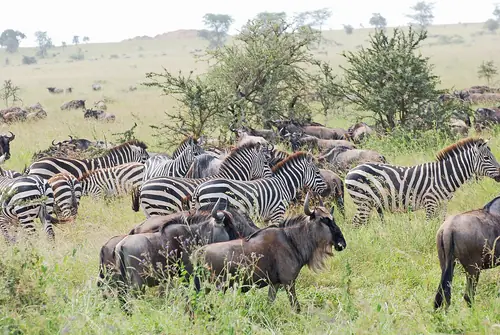
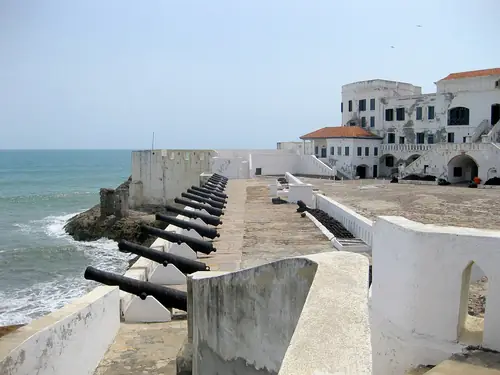
 Photo: Merzougaloisirs · CC BY-SA 4.0
Published by Adama Doumbia, founder of Afrique Unie · updated 28 November 2026 · our method and sources
What is an eSIM?
An eSIM is a digital SIM card built into your phone. Instead of inserting a small plastic chip, you download a profile, usually by scanning a QR code, and your phone connects to a local operator's network as soon as you arrive.
Travel eSIMs usually offer a data plan valid for a set period and volume, in one country or across a region. They do not generally come with a local phone number: to make calls, you will use messaging apps or your usual number.
Is your phone compatible?
Most recent iPhones, from the XS onwards, and many recent Android smartphones support eSIMs. To check, look in your settings for an option such as “Add mobile plan” or “Add eSIM”. Some models sold in certain countries lack this feature, even if the same range offers it elsewhere.
Your phone must also be unlocked, meaning it is not tied to your network provider. If in doubt, ask your provider before buying anything.
Installing your eSIM before you leave
- Buy and install at home: Install the profile the day before or a few days ahead, on a good Wi-Fi connection. Without a connection, you cannot download the eSIM when you land.
- Read the activation terms: With many plans, the validity period starts when you first connect to a network in your destination, but not always. Check before installing.
- Switch it on when you land: Once you arrive, select the eSIM as your data line and turn on data roaming for that line if the plan requires it.
- Keep your usual SIM: Both lines can work at the same time, so you still receive texts from your bank. Turn off data on your usual line to avoid roaming charges.
- Keep the details handy: Save the QR code and installation instructions as a screenshot or on paper, in case you need to reinstall the profile.
eSIM or local SIM card?
An eSIM is ideal for a short stay, for being connected the moment you step off the plane and for avoiding paperwork at a counter. It often costs a little more than a local SIM, especially for large amounts of data.
A local SIM card is still worth considering for a long stay, for lots of local calls or for using the mobile payment services that are widespread in some countries. In most African countries, buying a SIM card requires registration with your passport, sometimes at an operator's official shop. Many travellers combine the two: an eSIM for the first few days, then a local SIM.
Coverage in cities and in the bush
In big cities and along main roads, 4G is now common in many countries, and 5G is appearing in some capitals. As soon as you head further out, coverage becomes patchier.
In national parks, deserts and mountain areas, the signal may be weak or absent for hours or even days. Many lodges offer Wi-Fi, sometimes only in shared areas or at certain times. Let your family know about these offline periods to save them unnecessary worry.
Apps to set up for offline use
- Maps: Download offline maps of the regions you will visit in your usual navigation app: they work with GPS, even without a signal.
- Translation: Install offline language packs for Arabic, Portuguese or Swahili, depending on where you are going.
- Documents: Keep copies of your passport, bookings, insurance and tickets on your phone, available without a connection.
- Messaging: Messaging apps let you call and text over the internet. They are widely used across Africa, including by guides and accommodation providers.
- Entertainment: For long journeys without a signal, download music, books or podcasts in advance.
An eSIM for 44 African countries
Our partner Airalo offers an eSIM for each of these countries (opens the Airalo website):
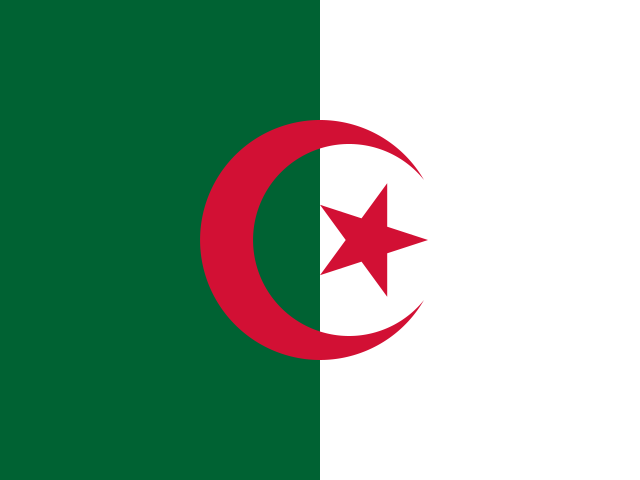 Algeria
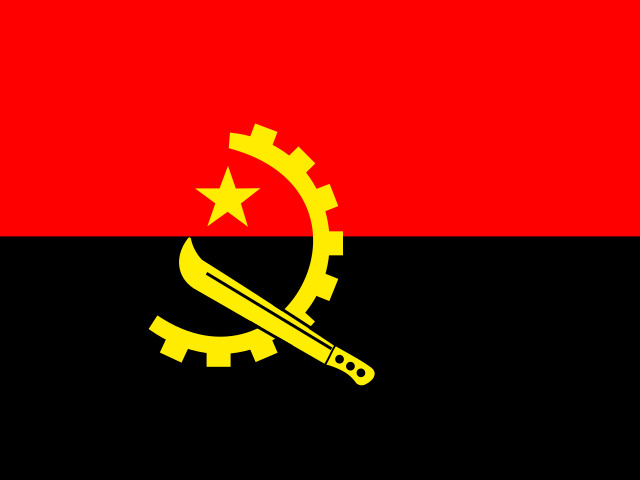 Angola
 Benin
 Botswana
 Burkina Faso
 Cameroon
 Cape Verde
 Central African Republic
 Chad
 Côte d'Ivoire
 DR Congo
 Egypt
 Eswatini
 Ethiopia
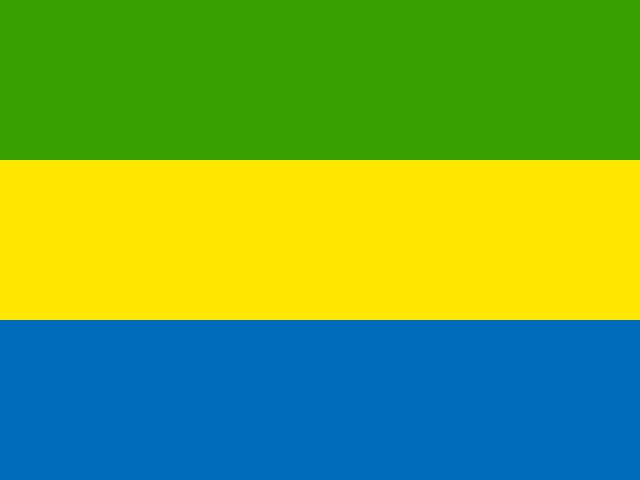 Gabon
 Ghana
 Guinea
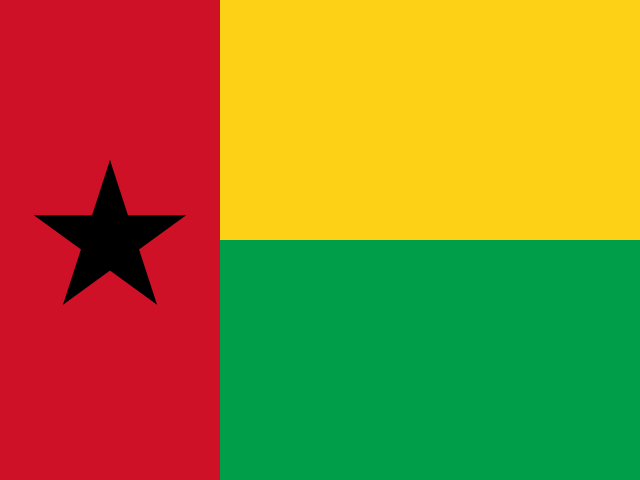 Guinea-Bissau
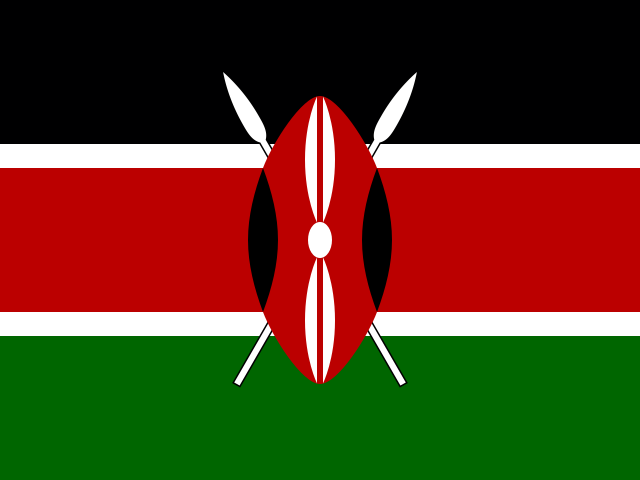 Kenya
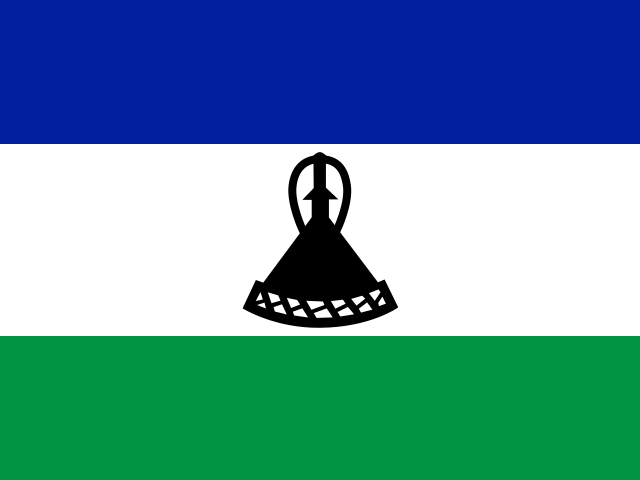 Lesotho
 Liberia
 Madagascar
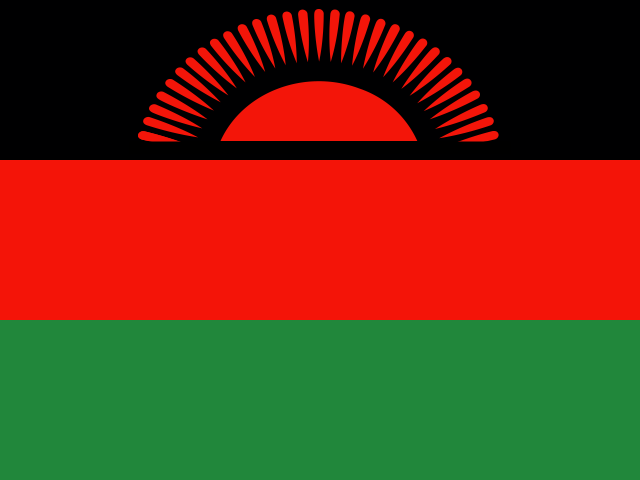 Malawi
 Mali
 Mauritius
 Morocco
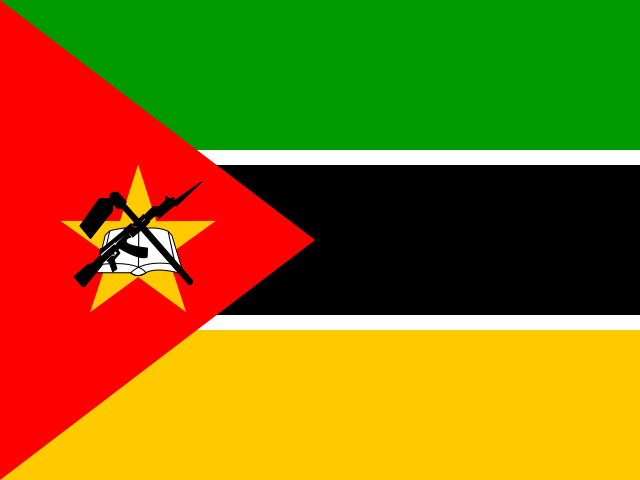 Mozambique
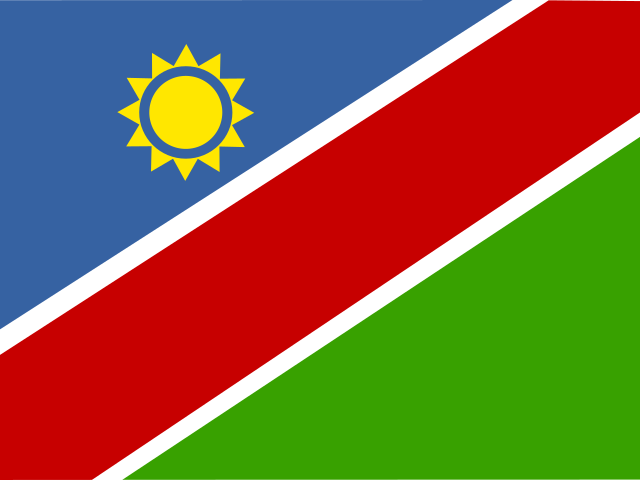 Namibia
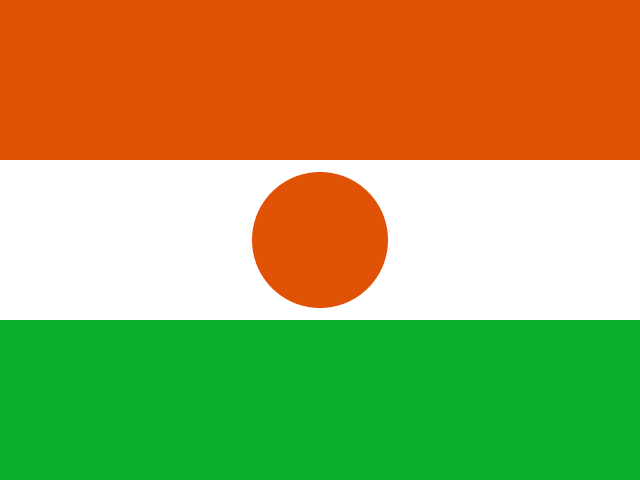 Niger
 Nigeria
 Republic of the Congo
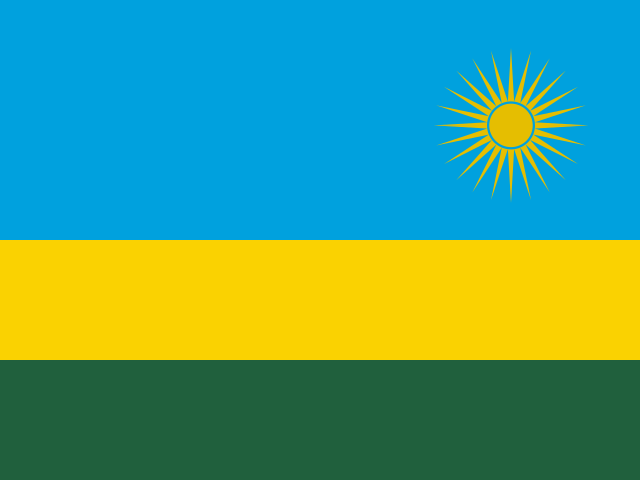 Rwanda
 Senegal
 Seychelles
 Sierra Leone
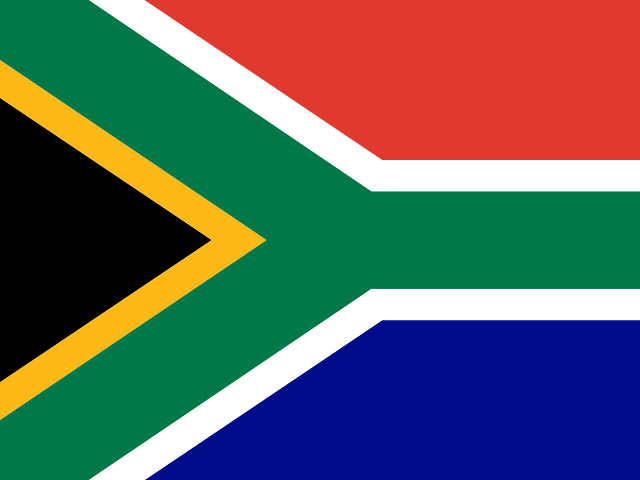 South Africa
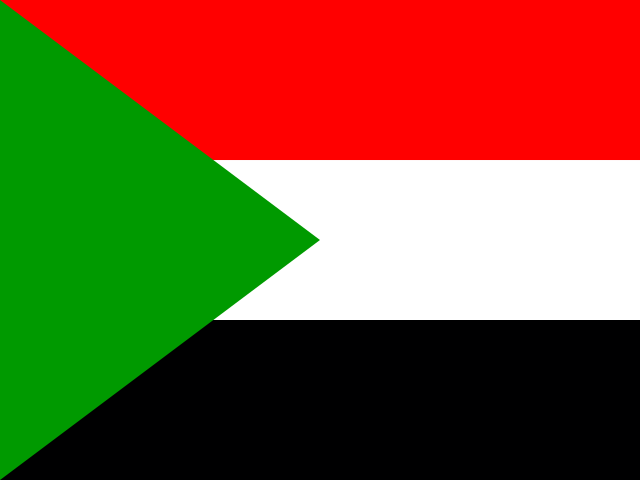 Sudan
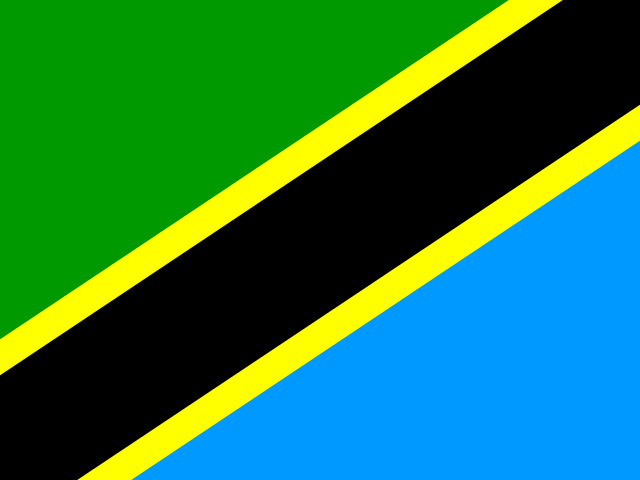 Tanzania
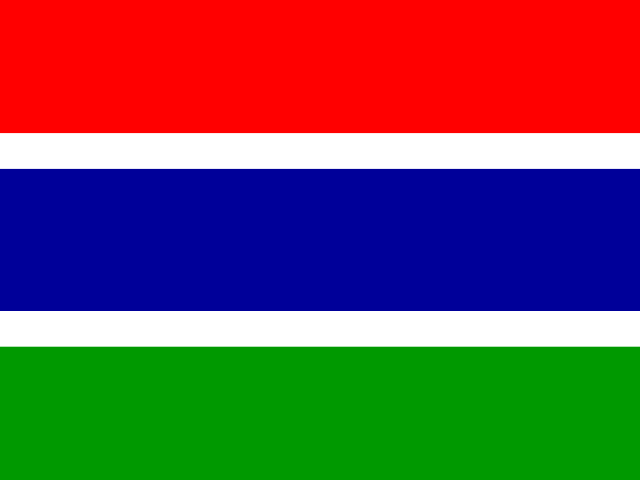 The Gambia
 Togo
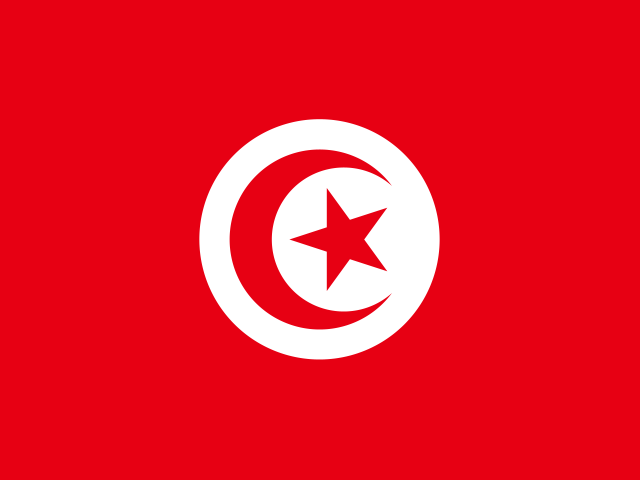 Tunisia
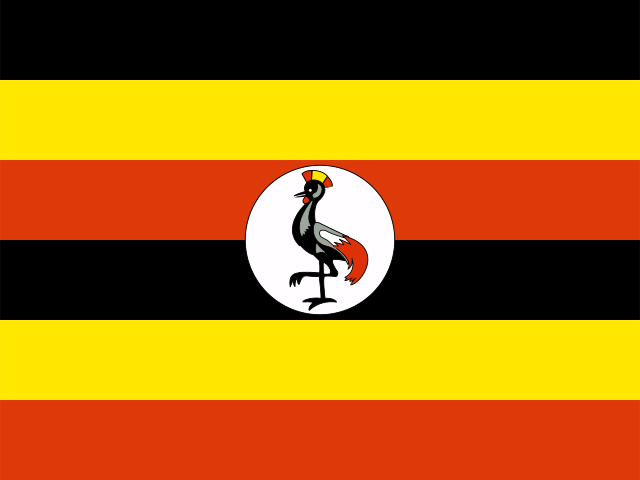 Uganda
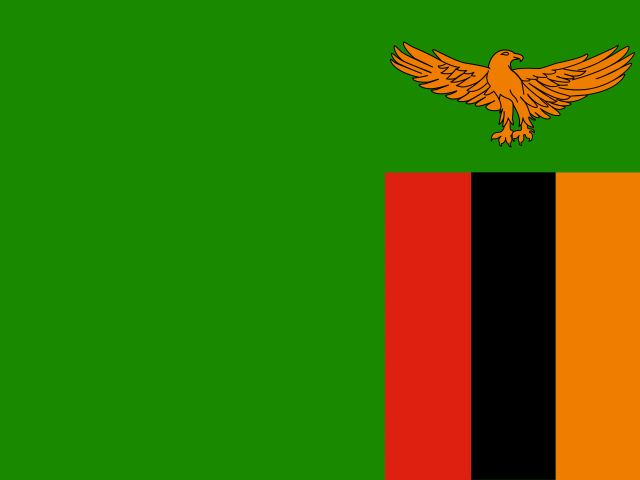 Zambia
 Zimbabwe